 Starting the New Document
Wizard
Starting the New Document
Wizard
Starting the New Document
Wizard
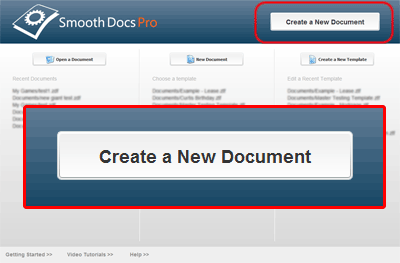
The New Document Wizard can be accessed from the SmoothDocs welcome screen .
To start the new document wizard, click the "Create a New Document" button in the upper right corner of the welcome screen.
Related Help: